Send like a brand, not like an app.
- Edit invoice and reminder emails
- Customize PDF layouts
- Merge fields for dynamic content
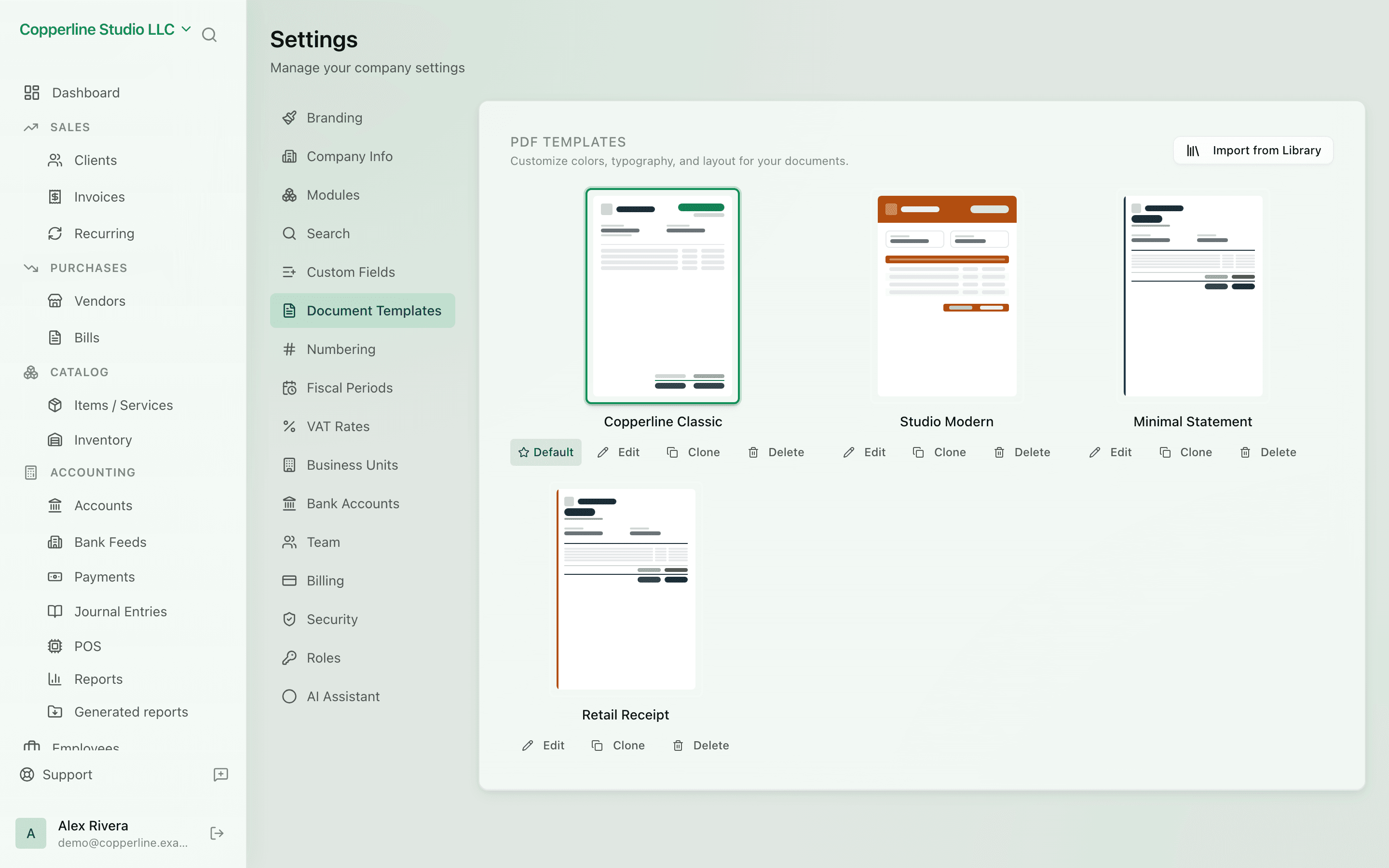
VAT & tax ratesBranding
What you get
Email and document templates — so every send looks like you.
Frequently asked
Can I have multiple templates per type?
Today, one template per type per company. Multiple templates with rules are on the roadmap.
Do merge fields support conditionals?
Basic conditionals are supported (show/hide based on field presence). Advanced templating is on the roadmap.
Can I use my own HTML?
Yes. Switch the email editor to raw HTML for full control.