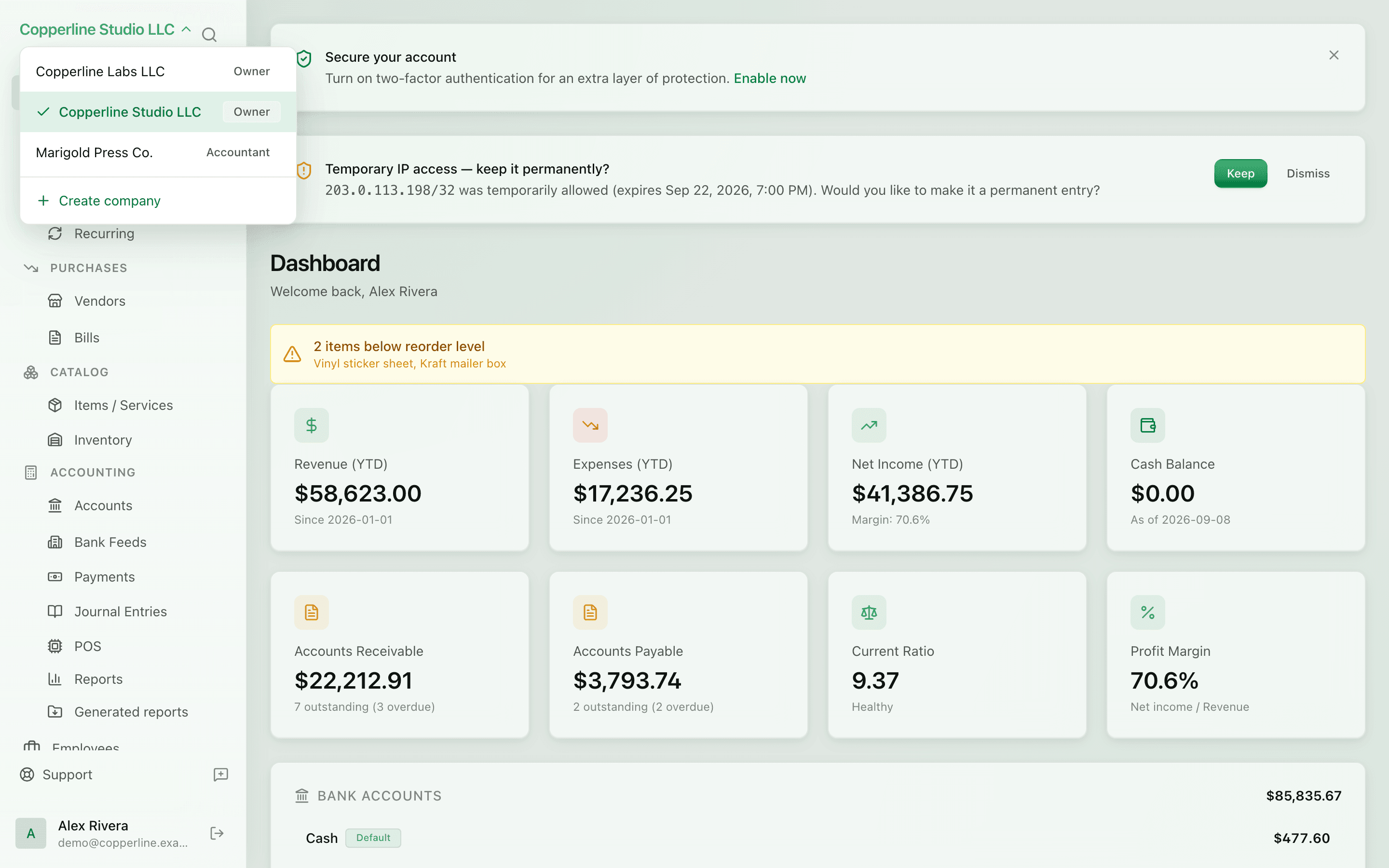
One login. Every company.
- Per-company ledger and books
- Per-company branding and team
- Switcher in the workspace
Numbering schemesKosovo VAT / TAK books
What you get
Run every entity you operate from the same account — fully isolated, easy to switch.
Frequently asked
Is there a limit on how many companies I can have?
Pricing varies; most plans allow several companies. Enterprise has no hard limit.
Can I consolidate reports across companies?
Per-company reports today; consolidated cross-company reporting is on the roadmap.
Can two companies share the same chart of accounts?
Each company has its own chart, but you can copy a chart from one to another at creation time.