Send invoices that get paid faster.
- Branded PDFs with your logo and color
- Multi-currency with live FX
- Auto-posts AR + revenue + tax
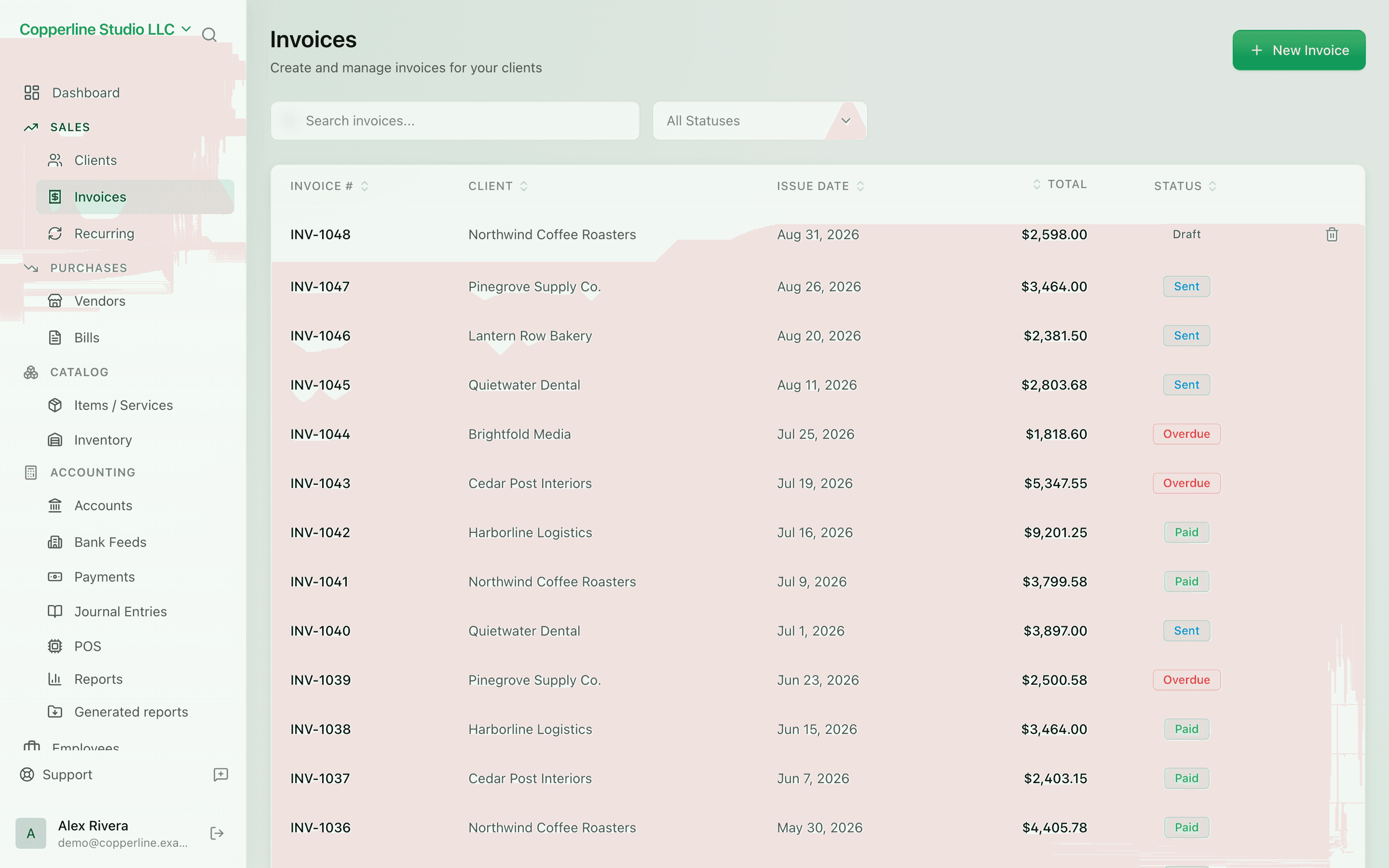
What you get
Send invoices that get paid — and post to the books automatically.
Frequently asked
Can I invoice in a currency that isn't my home currency?
Yes. Pick any currency on the invoice. Nefin records the FX rate, and your reports stay in the company's base currency.
Do invoices post to the general ledger automatically?
Yes. Every sent invoice creates a balanced journal entry — receivable, revenue, and tax — so you never reconcile two systems.
Can I customize the invoice template?
Set your logo, brand color, payment terms, footer text, and numbering scheme in Settings. The PDF reflects those everywhere.
What happens when an invoice goes overdue?
It moves into the overdue bucket on the AR aging report and is flagged on the dashboard so you can follow up before it ages further.
Can I write off an invoice that won't be paid?
Yes — record a credit note or a bad-debt write-off. Both produce the correct double-entry posting automatically.
Works with
Payments
Inbound and outbound — matched, posted, reconciled.
Learn moreRecurring invoices
Set it once and let monthly billing run itself.
Learn moreClient management
Every customer, every balance, every interaction.
Learn moreMulti-currency
Invoice and pay in any currency; the ledger stays in your base currency.
Learn more