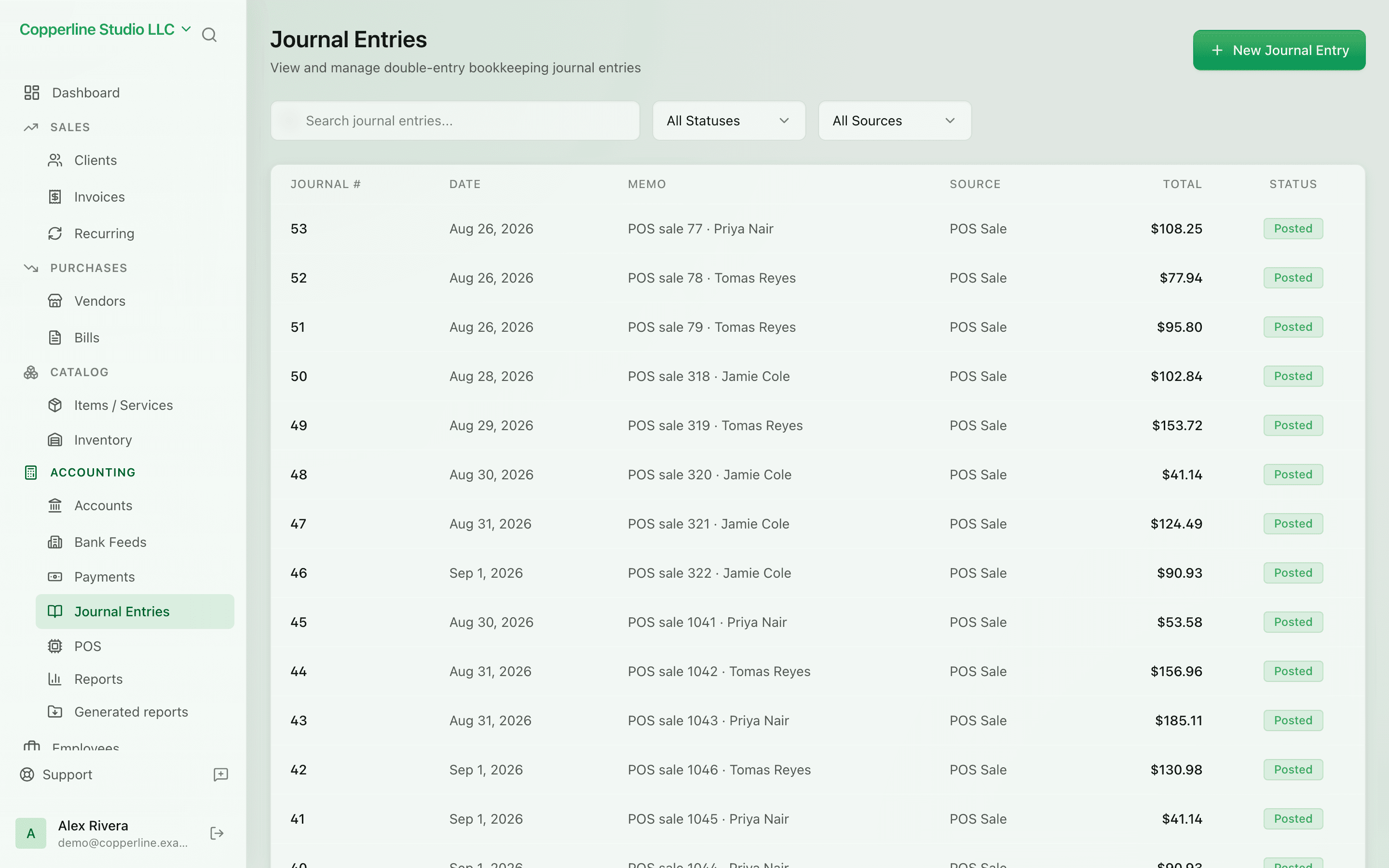
Hand-enter what doesn't fit elsewhere.

Adjusting entries, accruals, depreciation, opening balances — Nefin enforces the double-entry math so the books stay tight.

  • Multi-line debits and credits
  • Won't save until it balances
  • Per-line memo and reference
  • Reversed or duplicated in one click

What you get

Manual double-entry postings, with the math enforced for you.

Math enforced

If debits and credits don't match, you can't save. No silent imbalance ever lands on the books.

Per-line detail

Each line gets its own account, amount, and memo — perfect for accrual and adjustment entries.

Reverse cleanly

Made a mistake? Reverse the entry with one click and a counter-entry posts on the date you pick.

Duplicate to repeat

Recurring adjustments? Duplicate a past entry, change the date, and post.

How it works

  1. 1

    Open a new entry

    Pick the date, add a description, and start adding lines.

  2. 2

    Add debits and credits

    Each line picks an account from your chart and a debit or credit amount.

  3. 3

    Balance it

    Total debits must equal total credits. Nefin shows the diff live until it's zero.

  4. 4

    Post

    Once balanced, post. The entry is now on the trial balance and the audit log.

Frequently asked

Can I import journal entries from a CSV?

Yes. CSV import supports multi-line entries with debit/credit columns and account codes.

Can I edit a posted entry?

By default, posted entries are locked for audit. Use a reversing entry to correct — that preserves the trail.

Are journal entries restricted to certain users?

Yes. Use roles to limit who can post journal entries; everyone else can still view them in reports.

Do journal entries appear on the audit log?

Every journal entry, edit, and reversal is recorded on the audit log with user, timestamp, and the change.

Ready to run cleaner books?

Open Nefin in minutes. No credit card required.