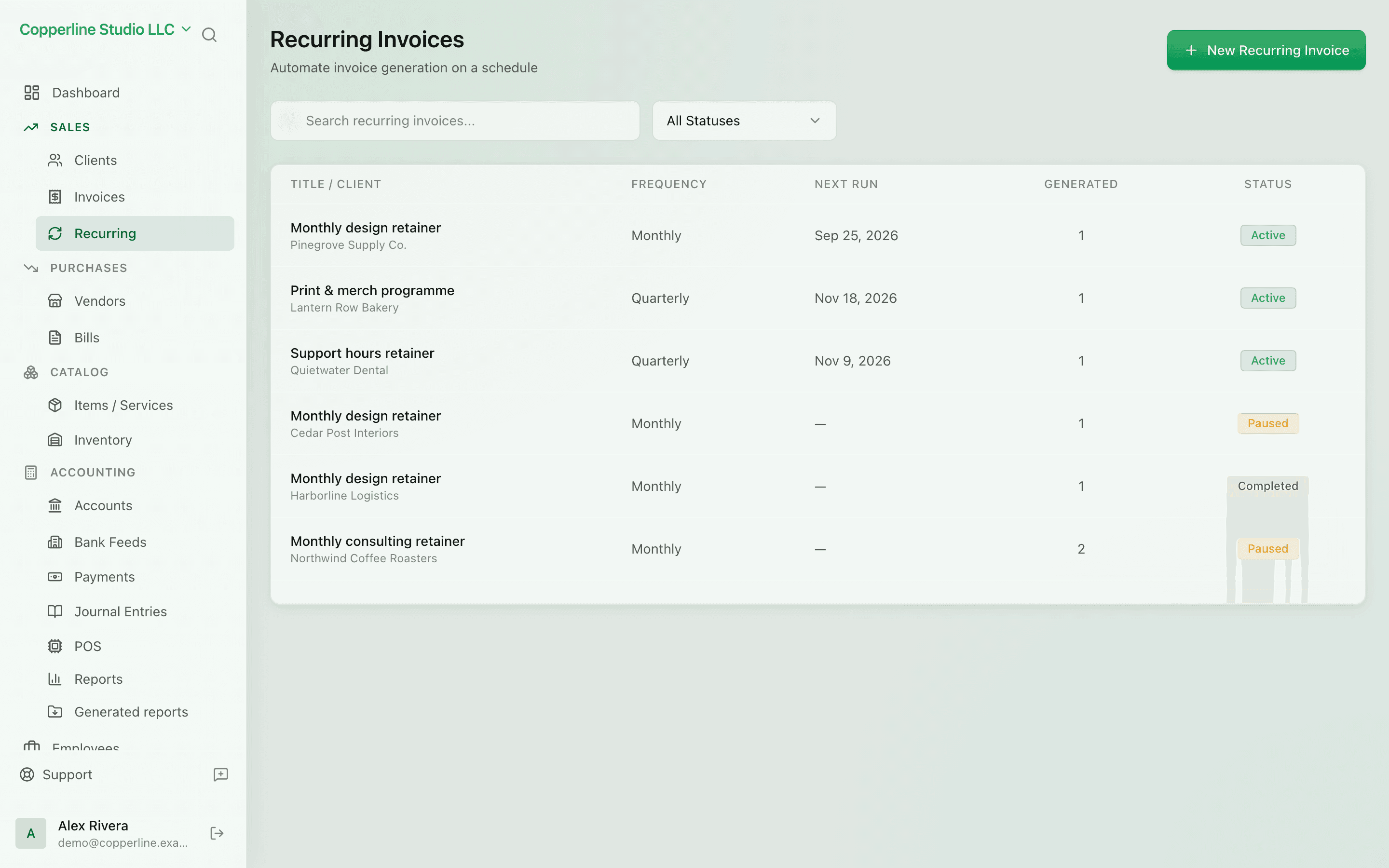
Set monthly billing once.
- Daily, weekly, monthly, or custom
- Auto-send by email
- Pause, resume, or end on a date
PaymentsBank accounts
What you get
Set up the schedule once; Nefin generates invoices on time, every time.
Frequently asked
Can I edit the line items between cycles?
Yes. Edit the recurring template at any time; future cycles reflect the change.
Can prices update automatically (e.g., annual escalator)?
You can update the template before a cycle runs. Automatic escalation is on the roadmap.
What happens if a generated invoice has an error?
Edit or void it like any other invoice. The recurring template is unaffected.