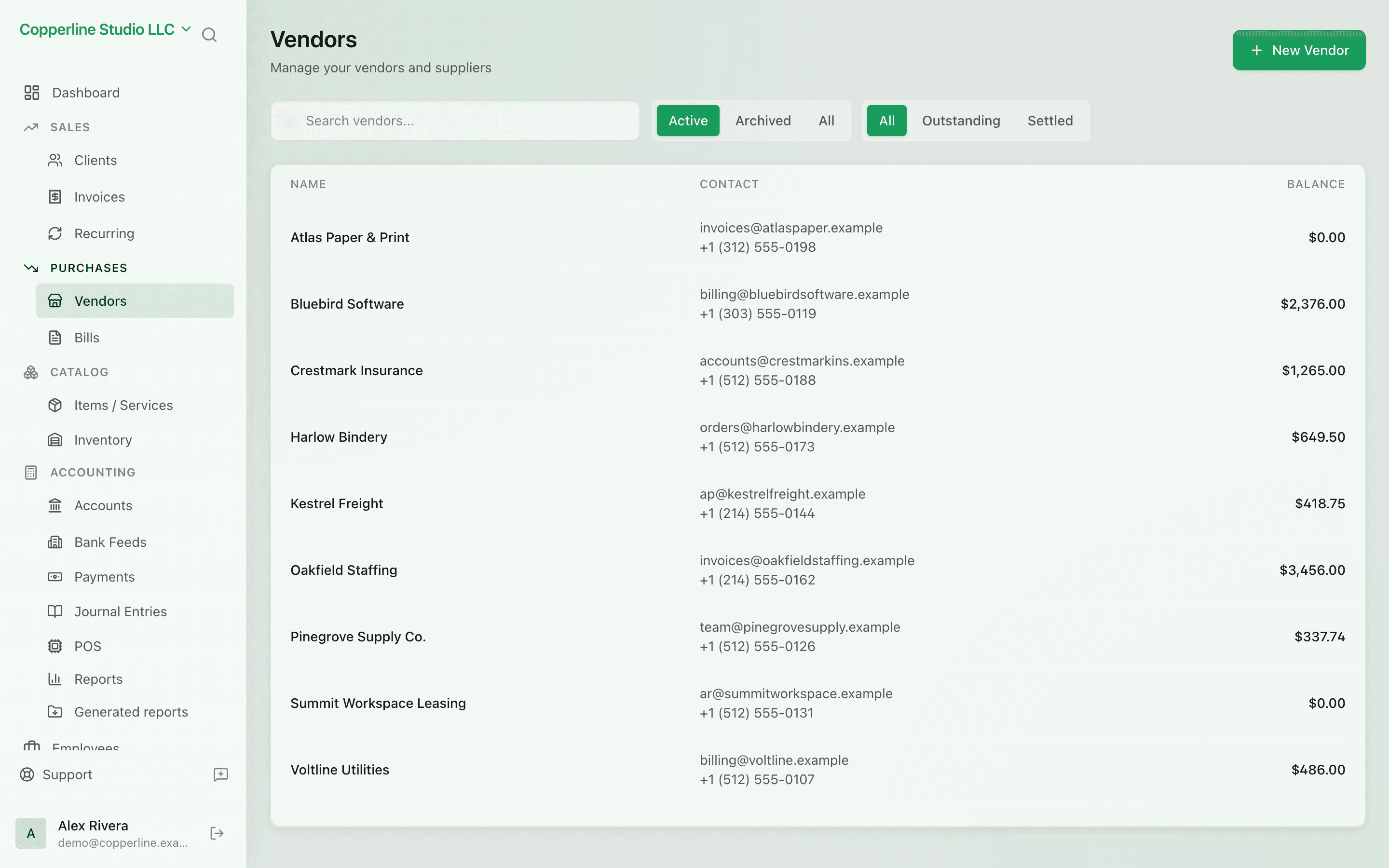
Every vendor, every bill, in one place.
- AP balance per vendor
- Default currency and tax setup
- Spend trends and category mix
Client managementPayments
What you get
Every supplier, every bill, every balance — visible at a glance.
Frequently asked
Can a vendor be billed in multiple currencies?
Yes. Set a default, but each bill can override. FX gain/loss is handled when payments are recorded.
Can I attach contracts or receipts to a vendor?
Yes. Attach files at the vendor or per-bill level for audit and renewal tracking.
Is there a vendor 1099 / withholding report?
A bill can carry a withholding rate, for example on rent paid to an individual landlord: the vendor is owed the net and the withheld tax goes to its own liability account. Kosovo companies also get the monthly WR report. There is no 1099 report; vendor spend is exportable as CSV for any external filing.