Every client, every balance, in one place.

Contacts, payment terms, default currency, tax setup, and the live AR balance — without the spreadsheet.

  • Outstanding balance per client
  • Default currency and payment terms
  • Custom fields for the data you care about
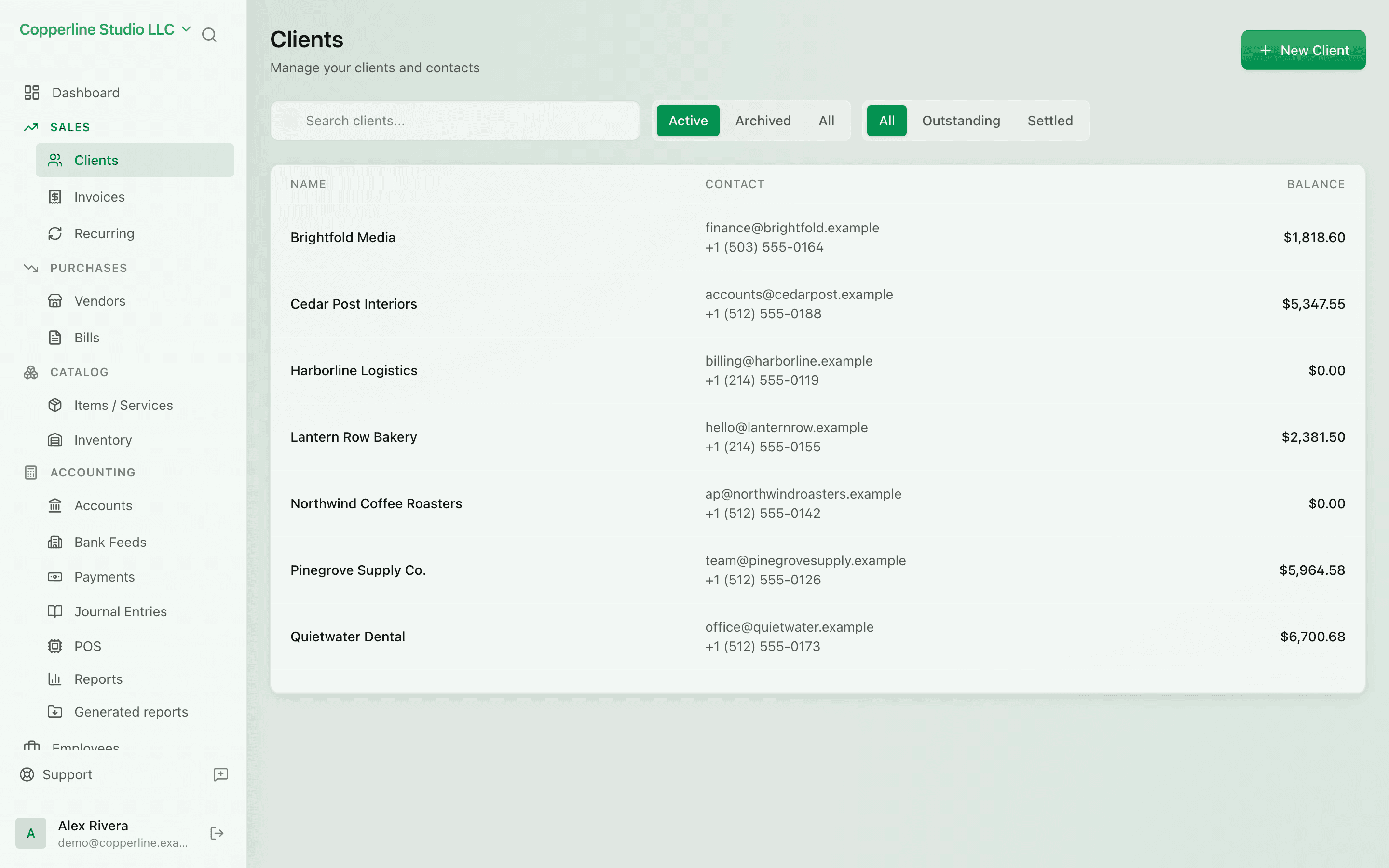
  • Search, filter, and segment

What you get

Every customer, every balance, every invoice — in one place.

AR at a glance

See exactly what each client owes you, what's overdue, and lifetime revenue.

Defaults that stick

Set currency, payment terms, and tax once per client; new invoices use them automatically.

Custom fields

Track anything you need — VAT number, account manager, region — without bolt-ons.

Find anyone fast

Search by name, email, balance, or status. Filters and saved views keep your daily workflow tight.

How it works

  1. 1

    Add a client

    Name, email, address, default currency, payment terms — fill what you have.

  2. 2

    Invoice them

    New invoices pull the client's defaults so you spend less time setting up.

  3. 3

    Track payments

    Every payment, partial payment, or credit note updates the balance live.

  4. 4

    See the history

    The client page shows every invoice, payment, and aging bucket — no exporting required.

Frequently asked

Can I import existing clients from a CSV?

Yes. CSV import handles names, emails, addresses, currencies, and custom fields.

Can a client have multiple contact emails?

Yes. Add a primary email plus additional contacts on the same client.

Are clients shared across companies?

Each company has its own client list. Multi-tenant means clients don't leak between organizations.

Ready to run cleaner books?

Open Nefin in minutes. No credit card required.