The right access for every job.
- Sensible default roles
- Custom roles when you need them
- Enforced everywhere — UI and API
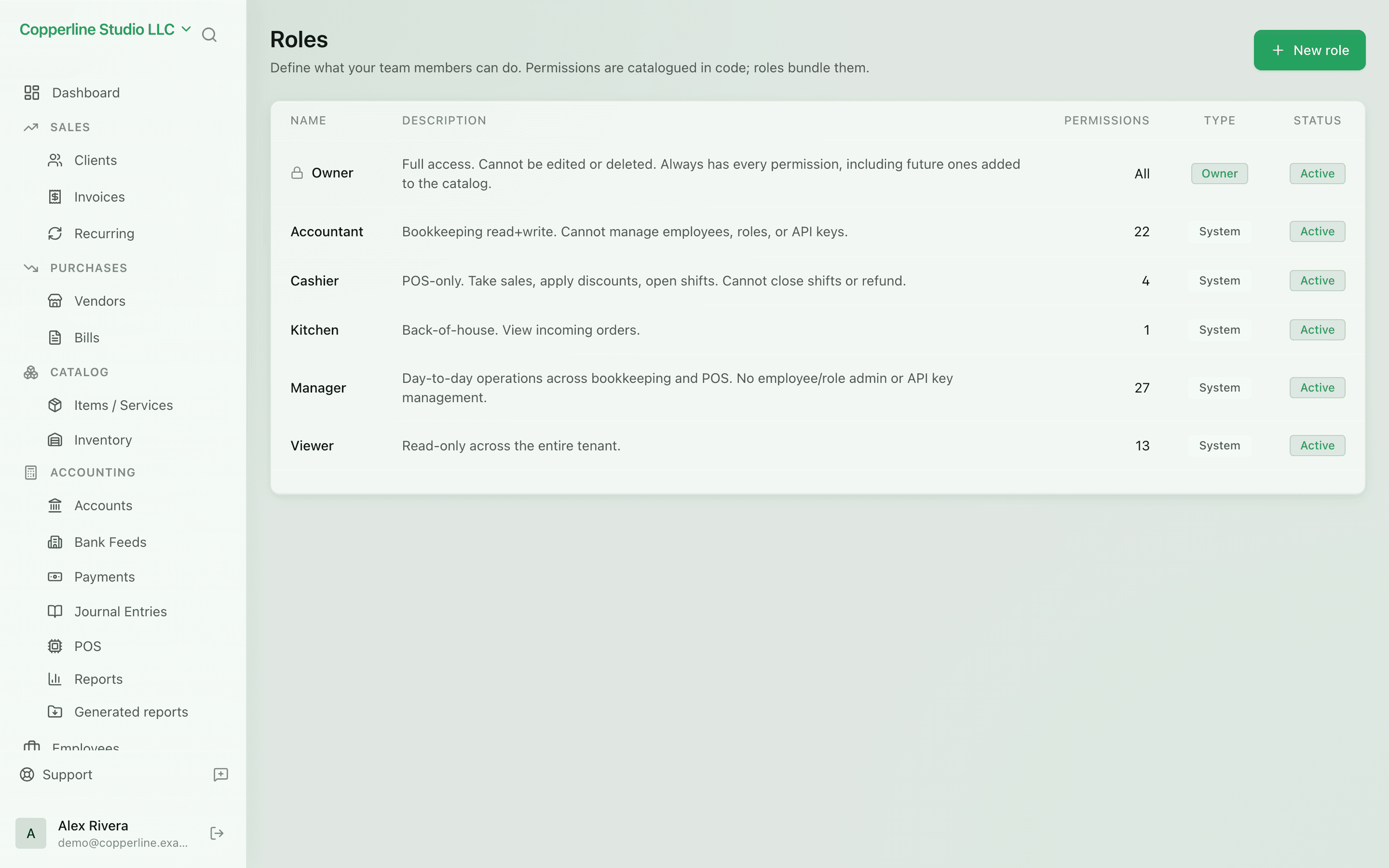
Team managementCustom fields
What you get
Owners, accountants, sales — fine-grained access for every job.
Frequently asked
Can I limit a user to just one part of the system?
Yes. Custom roles can grant or deny each resource individually.
Can my accountant see reports without editing data?
Yes. The default Accountant role has full read access plus journal-entry rights.
Are role changes audited?
Yes. Every assignment and permission edit is on the audit log.