Numbers your accountant will trust.
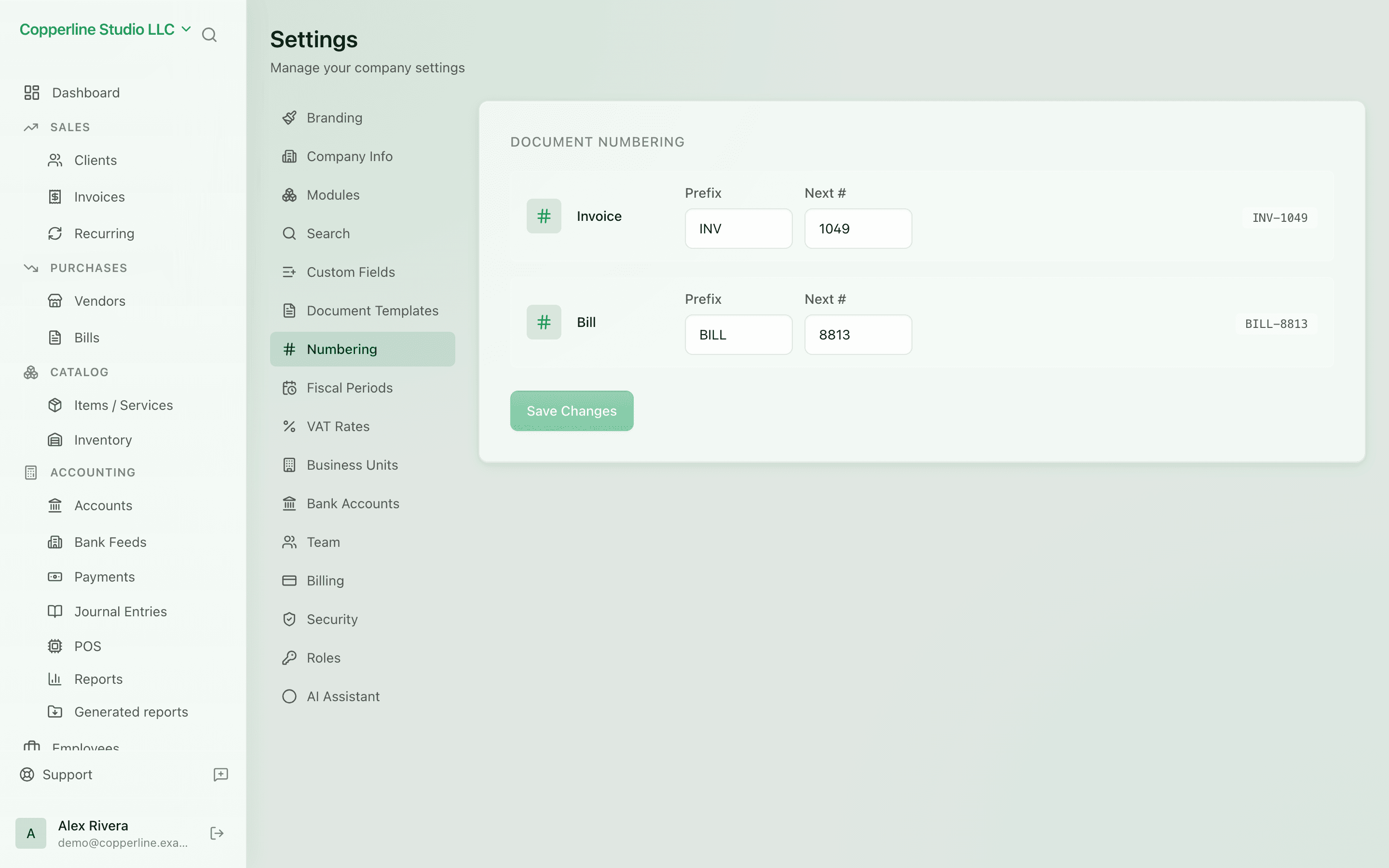
- Prefix per document type
- Configurable padding
- Starting number you control
BrandingMulti-company
What you get
Invoice and bill numbers exactly how you want them — sequential, audit-ready.
Frequently asked
Can I change the format mid-year?
Yes, but with care. New documents use the new format; historical ones keep their original numbers.
What about voided invoices?
Voided documents keep their number and are flagged as voided. The next number issues normally.
Are numbering schemes per company?
Yes. Each company in your account has its own schemes — perfect for multi-entity setups.