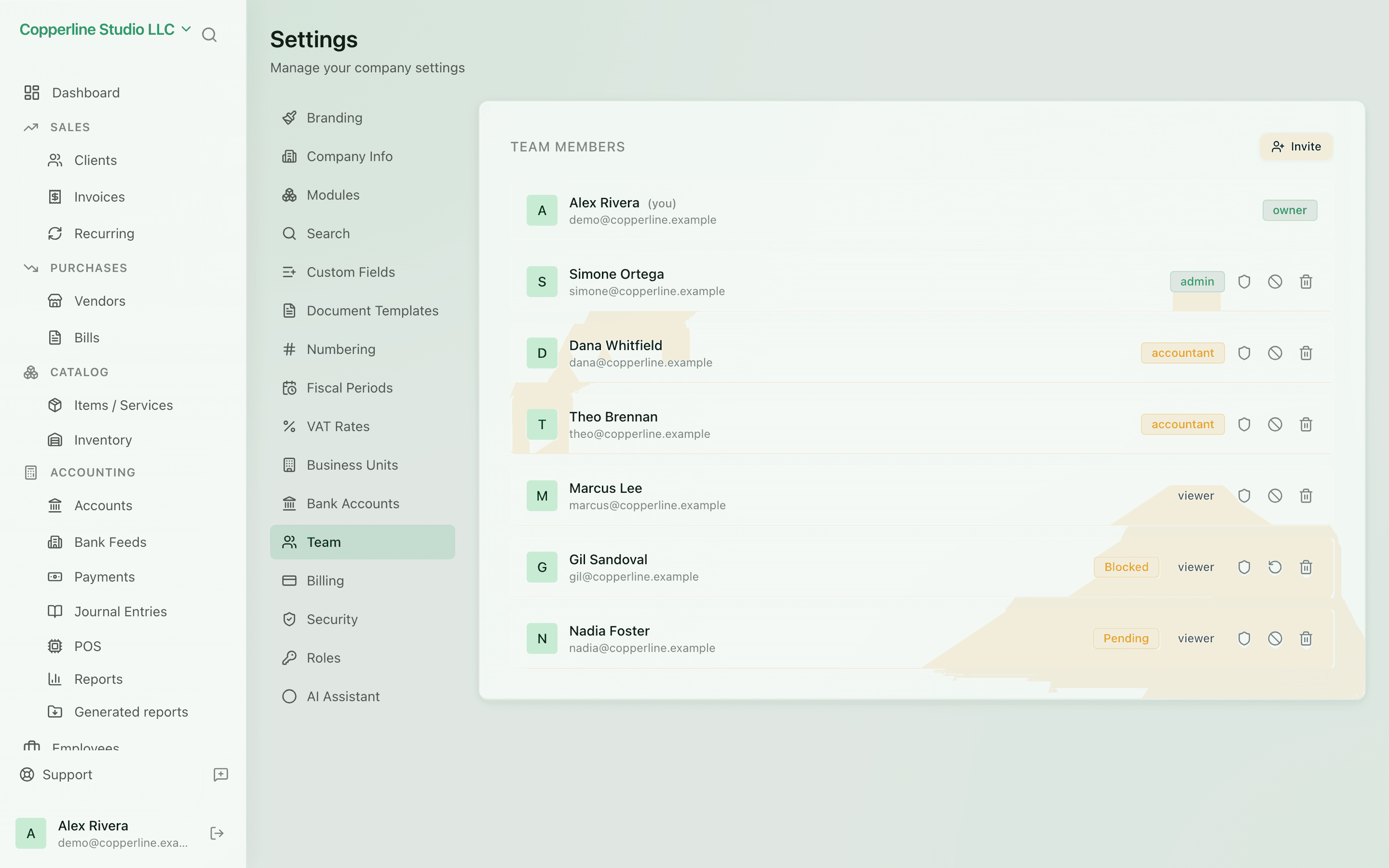
Bring everyone who touches the books.

Invite teammates, your accountant, and your bookkeeper. Give each the right access in one click.

  • Email-based invites
  • Per-user roles
  • See who's active and pending
  • Revoke access cleanly

What you get

Invite teammates, your accountant, your bookkeeper — give each the right access.

Invite by email

Send an invite; they set their password and join the workspace.

Right access by default

Assign a role on invite; permissions are clear from day one.

See who's active

Active, pending, and removed members are all visible — no orphan accounts.

Clean offboarding

Remove a user and their access disappears immediately. The audit trail shows what they did.

How it works

  1. 1

    Open Team

    Find Team in the dashboard sidebar.

  2. 2

    Invite

    Enter email, pick a role, send the invite.

  3. 3

    They join

    They click the email, set a password, and land in your workspace.

  4. 4

    Manage as needed

    Change roles or revoke access at any time. Every action is in the audit log.

Frequently asked

Is there a cost per user?

Pricing varies by plan. Inviting your accountant or bookkeeper is always supported.

Can a user belong to multiple companies?

Yes. The same email can be invited to multiple companies; switch between them in the workspace selector.

What happens to a user's data after they're removed?

Their actions remain on the audit log. Their account loses access immediately.

Ready to run cleaner books?

Open Nefin in minutes. No credit card required.