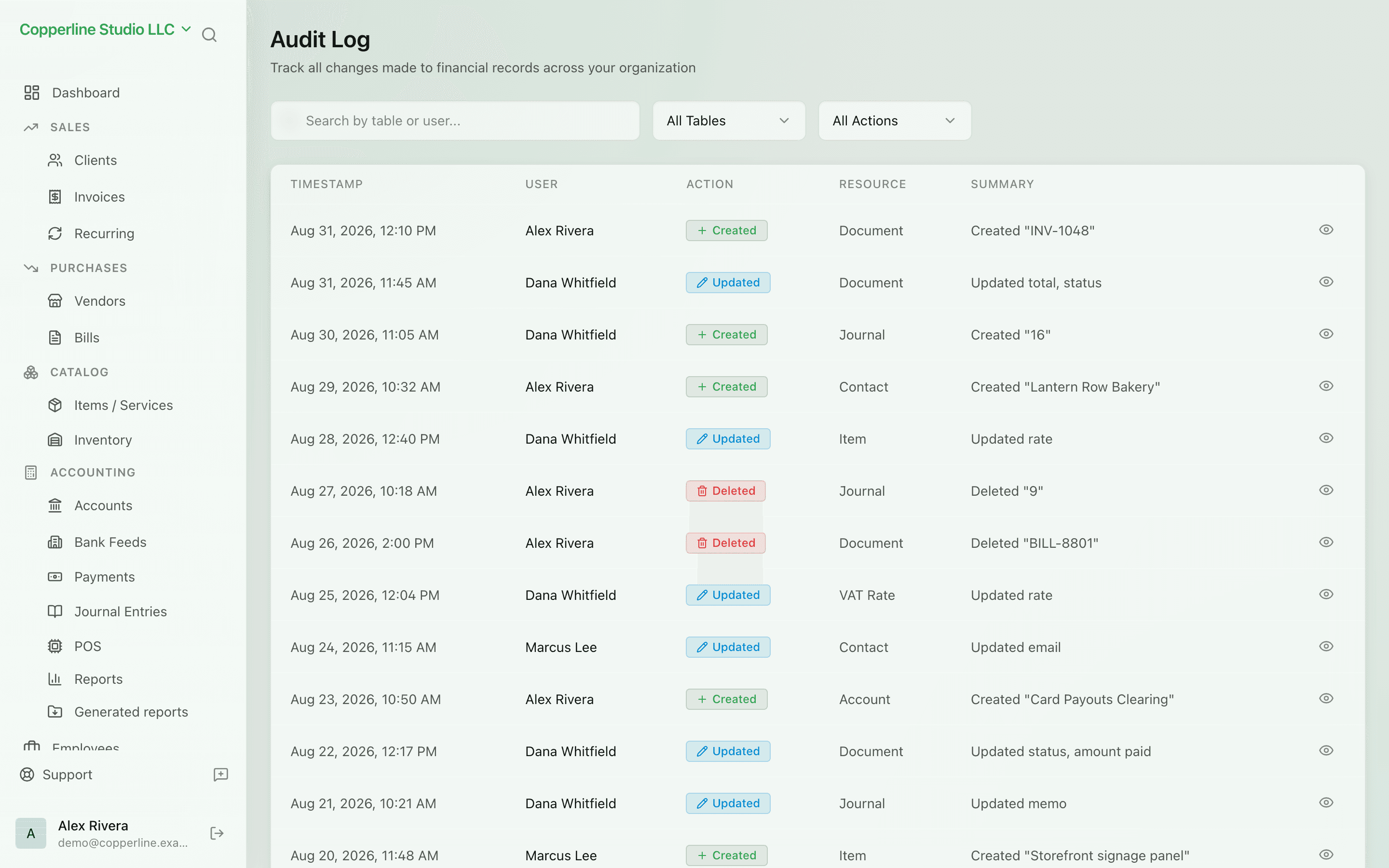
Every change, on the record.
- Every entity, every change
- User and timestamp on each event
- Before/after field values
POS integrationTeam management
What you get
Who changed what, when — captured for every record in the system.
Frequently asked
Can audit logs be deleted?
No. Logs are append-only by design — even admins cannot delete entries.
How long are audit logs retained?
Indefinitely on standard plans. Custom retention is available for enterprise needs.
Are API and integration changes logged?
Yes. Changes from the API or any integration are logged with the API key or integration as the actor.