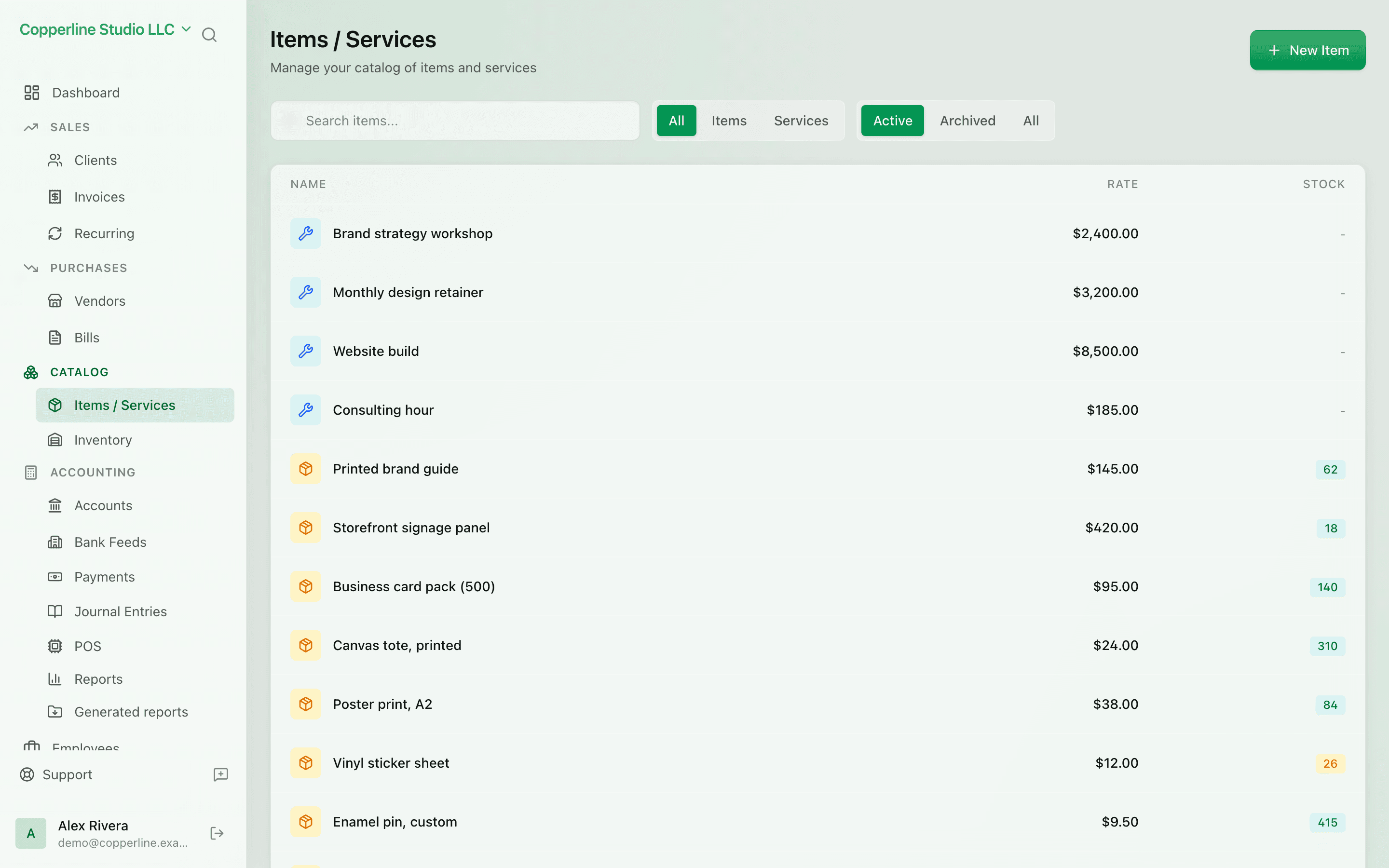
One catalog. Everywhere you bill.
- Products and services in one place
- Default price, tax, and account
- Per-currency pricing
Bank accountsInventory
What you get
One catalog of products and services — used everywhere you bill.
Frequently asked
Can I import items from a CSV?
Yes. CSV import handles SKU, price, tax, and accounts in bulk.
Can the same item be priced differently per client?
Yes. Set a default and override on the invoice line; per-client price lists are on the roadmap.
How do bundles or kits work?
Today, build a bundle as a service item that lists the components on the invoice. Native kit support is planned.
Works with
Inventory
Stock counts, WAC, COGS — without a separate system.
Learn morePOS integration
Free, offline-first POS that syncs sales as journal entries.
Learn moreAudit logs
Who changed what, when — for every record.
Learn moreAI assistant
Ask questions about your books; approve any change before it happens.
Learn more