Your data, your fields.

Add the fields your business needs to clients, vendors, and other records — without bolt-ons or developers.

  • Text, number, date, dropdown
  • Per-record-type fields
  • Visible on PDFs and exports
  • Searchable and filterable

What you get

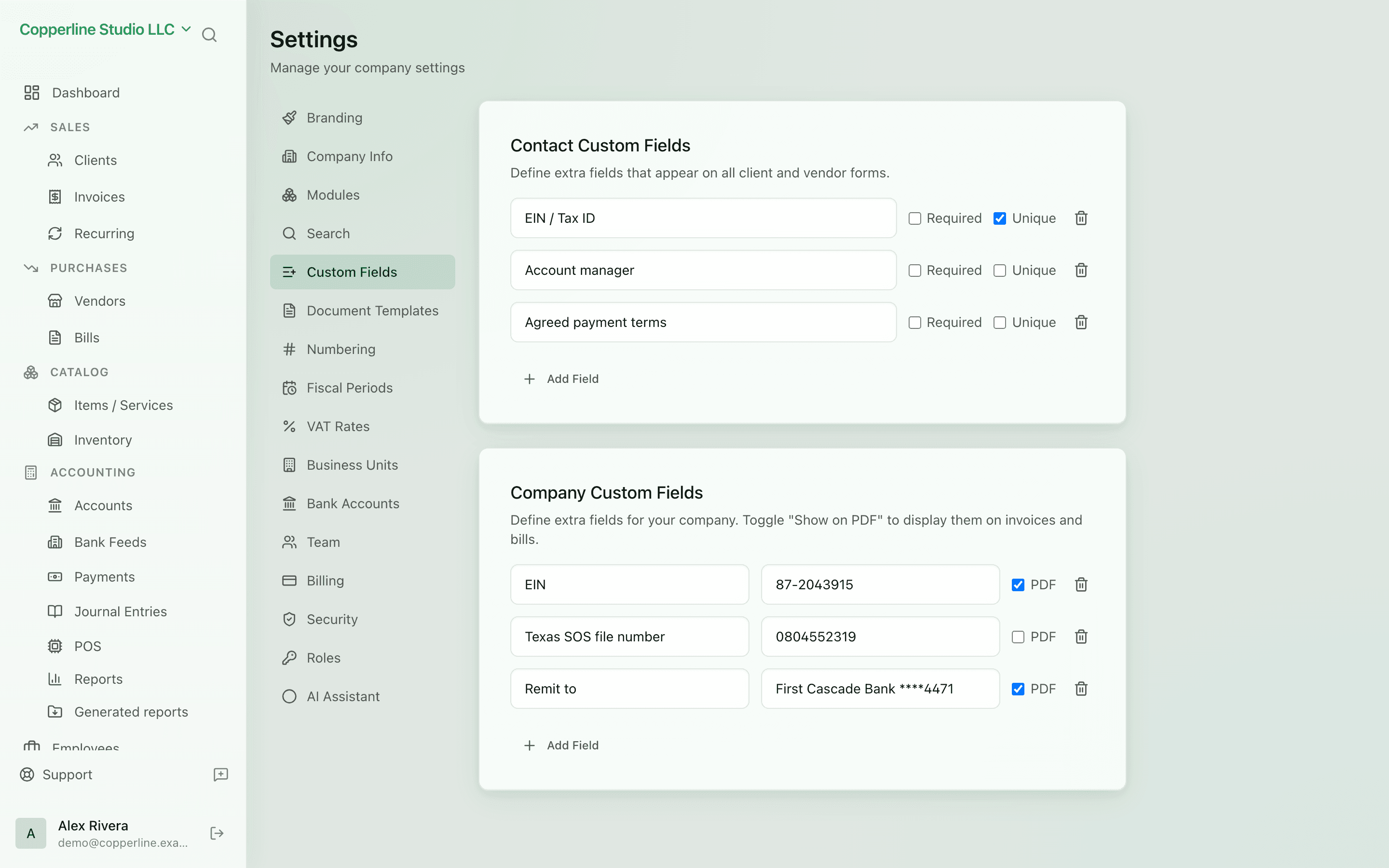
Add custom fields to clients, vendors, and more — no developers required.

Right type for the job

Text, number, date, currency, dropdown — pick the right one and Nefin validates inputs.

Visible where it matters

Show fields on invoices, PDFs, and CSV exports — not just on the record screen.

Searchable

Filter and search by custom-field values in lists; no SQL required.

Permission-aware

Fields respect the same RBAC as the record they live on.

How it works

  1. 1

    Open Settings → Custom Fields

    Pick the record type to extend.

  2. 2

    Add a field

    Name, type, optional default value.

  3. 3

    Use it

    Open any record of that type — the field is there.

  4. 4

    Filter and report

    Lists and exports respect the new field. Filter or search by it.

Frequently asked

Can custom fields appear on invoice PDFs?

Yes. Toggle a field as visible on the document and it renders on the PDF.

Can I make a field required?

Yes. Required fields block save until they're filled.

Can I delete a custom field later?

Yes. Deletes remove the field from new records; historical values are preserved on the audit log.

Ready to run cleaner books?

Open Nefin in minutes. No credit card required.