Look like a real business on every send.

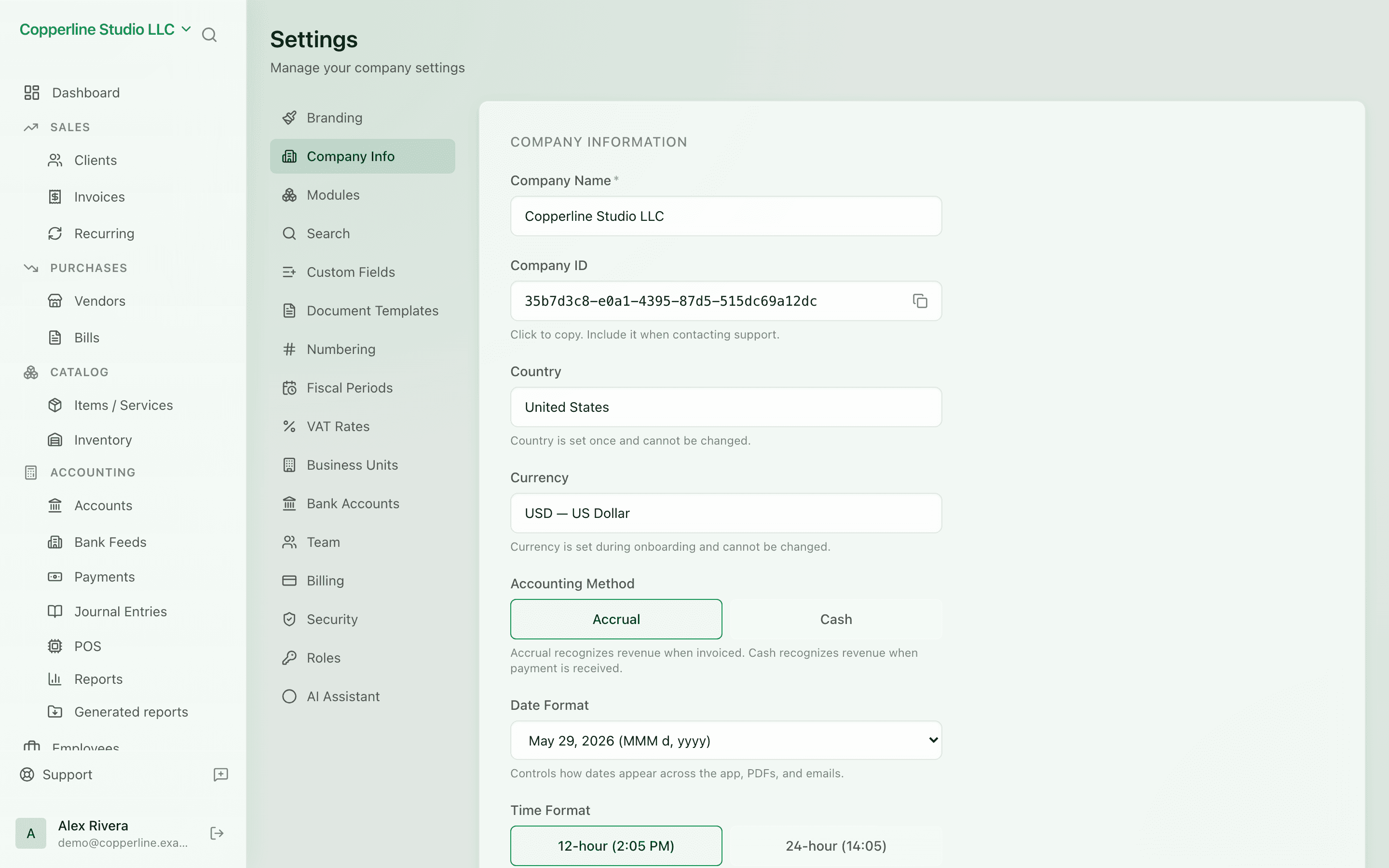
Upload your logo, pick your brand color, set your company info. Nefin uses it on every invoice, statement, and email.

  • Logo upload (PNG/JPEG)
  • Brand color (any hex)
  • Reused across all documents
  • Updates apply instantly

What you get

Upload your logo, pick your color — every invoice and PDF reflects you.

Logo where it counts

PNG or JPEG, up to 2MB — the logo appears on every invoice PDF and document.

Brand color

Set a hex color; it's used as the accent on documents and emails.

Company info, once

Address, registration number, tax ID — entered once, on every document.

Instant

Save your changes and the next document picks them up. No re-upload per template.

How it works

  1. 1

    Open Branding

    Find it in Settings.

  2. 2

    Upload your logo

    PNG or JPEG. Nefin shows a live preview.

  3. 3

    Pick a color

    Type a hex or use the picker.

  4. 4

    Save

    Documents and emails update for the next send.

Frequently asked

What logo size is best?

Aim for a square or wide rectangle, at least 256px on the long side. Nefin scales it down as needed.

Can I have different branding per company?

Yes. Each company has its own branding — perfect for agencies or holding setups.

Is dark mode supported?

PDFs render with a light theme today. A dark variant is on the roadmap.

Ready to run cleaner books?

Open Nefin in minutes. No credit card required.